Yes, you can send files and images over MQTT — a payload is just bytes, so a JPEG or a log file can be published exactly as it is on disk. The work is in the details: staying under the broker's size limit, splitting larger files into chunks, putting them back together in the right order and proving the result is identical to the original.
This tutorial covers when to send raw binary and when base64 makes sense, a simple chunking protocol with a manifest, and a working Python sender and receiver you can test in a few minutes.
Binary or base64?
MQTT does not care what is inside the payload. There is no need to encode an image before publishing it; every mainstream client library accepts raw bytes (bytes in Python, Buffer / Uint8Array in MQTT.js, byte[] in Java and .NET).
Base64 is a choice you make only when the bytes must live inside a text document:
| Approach | Overhead | Use it when |
|---|---|---|
| Raw binary payload | 0 % | Default. The receiver knows the topic carries a file. |
| Base64 inside JSON | about 33 % plus JSON keys | A consumer only accepts text (some low-code tools, webhook bridges, log pipelines). |
| Binary payload + MQTT 5 properties | a few bytes | You want metadata (file name, MIME type) without wrapping the bytes. |
A 600 KB photo becomes roughly 800 KB once base64-encoded, and the receiver has to parse JSON and decode before it can use it. If you control both ends, send binary.
With MQTT 5 you can attach metadata to a binary payload instead of wrapping it: set the Content Type property to image/jpeg and put the file name in a user property. Leave the Payload Format Indicator at 0 (unspecified bytes); setting it to 1 tells the broker and receiver the payload is UTF-8 text, which a JPEG is not.
Know your size limits
The MQTT specification allows a remaining length of up to 268,435,455 bytes, about 256 MB per packet. In practice nobody gets near that, because brokers and services enforce their own maximum:
| Broker or service | Typical limit |
|---|---|
| Mosquitto | No limit by default; set with max_packet_size / message_size_limit |
| EMQX | 1 MB by default (mqtt.max_packet_size), configurable |
| HiveMQ | Configurable max-packet-size, defaults close to the protocol maximum |
| AWS IoT Core | 128 KB per message |
| Azure IoT Hub | 256 KB per device-to-cloud message |
Limits change between versions and plans, so treat the table as a starting point and confirm against your own broker. Under MQTT 5 the server announces its limit in the CONNACK Maximum Packet Size property; a publish that exceeds it typically ends with a disconnect carrying reason code 0x95 (Packet too large). MQTT 3.1.1 brokers usually just close the connection, which looks like a random disconnect. The packet too large guide walks through those symptoms, and the packet size calculator shows how the topic and properties add to the payload size.
Big messages also hurt in less obvious ways: they block the TCP connection while they are in flight (keep-alive pings and other messages wait behind them), they must be held in memory by the broker for every offline session that has them queued, and on a lossy link a single failed 5 MB publish is retransmitted in full.
A simple chunking protocol
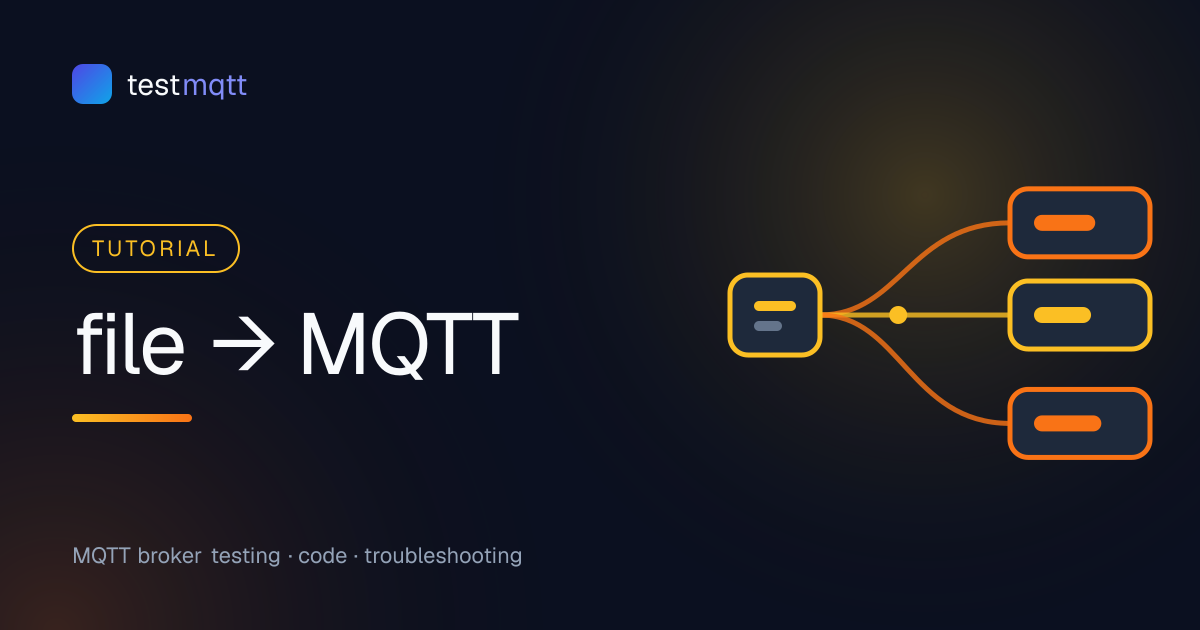
For anything larger than a comfortable single message (a good rule is 64–256 KB), split the file into chunks. Keep the protocol boring:
- Manifest on
testmqtt/files/<device>/<file_id>/meta— JSON with file name, total size, chunk size, chunk count and a SHA-256 hash. - Chunks on
testmqtt/files/<device>/<file_id>/chunk/<index>— raw bytes, no encoding. - The receiver collects chunks by index, and once it has all of them, joins them and compares the hash.
Why the index in the topic? MQTT only guarantees ordering per topic from one publisher, so chunks on different topics may be delivered in any order. With QoS 1 a chunk can also arrive twice — storing chunks in a map keyed by index makes duplicates harmless. Putting the index in the topic keeps the payload pure file data; you could equally prefix each chunk with a 4-byte binary header if you prefer one topic per file.
Use QoS 1 for chunks. QoS 0 will eventually lose one on a bad network, and a file with one missing chunk is useless. QoS 2 adds a round trip per chunk without much benefit, because the receiver already deduplicates.
The sender (Python)
Install the client with pip install "paho-mqtt>=2". The sender waits for each PUBACK before sending the next chunk, which gives you natural flow control and avoids overrunning the broker's inflight window:
import hashlib, json, math, os, sys, time, uuid
import paho.mqtt.client as mqtt

HOST, PORT = "broker.connectmq.com", 1883
CHUNK_SIZE = 32 * 1024                      # 32 KB per message
path = sys.argv[1]

with open(path, "rb") as f:
    data = f.read()

file_id = uuid.uuid4().hex[:12]
base = f"testmqtt/files/demo/{file_id}"
total = math.ceil(len(data) / CHUNK_SIZE)

client = mqtt.Client(mqtt.CallbackAPIVersion.VERSION2, client_id=f"sender-{file_id}")
# client.username_pw_set("username", "password")
client.connect(HOST, PORT)
client.loop_start()

manifest = {
    "name": os.path.basename(path),
    "size": len(data),
    "chunk_size": CHUNK_SIZE,
    "chunks": total,
    "sha256": hashlib.sha256(data).hexdigest(),
}
client.publish(f"{base}/meta", json.dumps(manifest), qos=1).wait_for_publish(10)

for i in range(total):
    chunk = data[i * CHUNK_SIZE:(i + 1) * CHUNK_SIZE]
    info = client.publish(f"{base}/chunk/{i}", chunk, qos=1)
    info.wait_for_publish(10)               # wait for PUBACK
    time.sleep(0.02)                        # stay well under shared rate limits

print(f"sent {manifest['name']} as {total} chunks, id {file_id}")
client.loop_stop()
client.disconnect()
The receiver (Python)
The receiver subscribes to every file on the device, stores chunks as they arrive and writes the file once the hash matches:
import hashlib, json
import paho.mqtt.client as mqtt

HOST, PORT = "broker.connectmq.com", 1883
transfers = {}                              # file_id -> {"meta": ..., "chunks": {}}

def on_connect(client, userdata, flags, reason_code, properties):
    client.subscribe("testmqtt/files/demo/+/#", qos=1)

def on_message(client, userdata, msg):
    parts = msg.topic.split("/")            # testmqtt/files/demo/<id>/meta|chunk/<n>
    file_id, kind = parts[3], parts[4]
    t = transfers.setdefault(file_id, {"meta": None, "chunks": {}})

    if kind == "meta":
        t["meta"] = json.loads(msg.payload)
    elif kind == "chunk":
        t["chunks"][int(parts[5])] = msg.payload   # duplicates simply overwrite

    meta = t["meta"]
    if meta and len(t["chunks"]) == meta["chunks"]:
        blob = b"".join(t["chunks"][i] for i in range(meta["chunks"]))
        if hashlib.sha256(blob).hexdigest() == meta["sha256"]:
            with open("received-" + meta["name"], "wb") as f:
                f.write(blob)
            print(f"OK  {meta['name']} ({len(blob)} bytes)")
        else:
            print(f"BAD {meta['name']}: hash mismatch")
        del transfers[file_id]

client = mqtt.Client(mqtt.CallbackAPIVersion.VERSION2)
client.on_connect = on_connect
client.on_message = on_message
client.connect(HOST, PORT)
client.loop_forever()
Chunks can arrive before the manifest, which is why the completeness check runs after every message rather than only after the manifest. In production, add a timeout that discards incomplete transfers after a minute or two, otherwise a lost manifest leaks memory.
Testing the transfer
Run the receiver in one terminal and the sender in another:
python receive_files.py
# second terminal
python send_file.py photo.jpg
sha256sum photo.jpg received-photo.jpg     # macOS: shasum -a 256
Both hashes must match. Then make it harder: send a file whose size is an exact multiple of the chunk size (the classic off-by-one), send an empty file, and kill the network mid-transfer to confirm the receiver reports an incomplete file instead of writing garbage. While a test runs, subscribe to testmqtt/files/demo/+/meta in the online MQTT client to watch manifests arrive.
For small single-message files, the Mosquitto command-line clients are enough. -f publishes a file as the payload, and -N stops mosquitto_sub from appending a newline that would corrupt the binary:
mosquitto_sub -h broker.connectmq.com -t testmqtt/files/cli/snapshot -C 1 -N > out.jpg &
mosquitto_pub -h broker.connectmq.com -t testmqtt/files/cli/snapshot -q 1 -f snapshot.jpg
More command-line patterns are in mosquitto_pub and mosquitto_sub examples. To find where your broker starts rejecting messages, follow the large payload test.
Showing an image in the browser
A dashboard can display a camera snapshot straight from MQTT over secure WebSockets with MQTT.js 5. The payload arrives as bytes, so wrap it in a Blob:
import mqtt from "mqtt";

const client = mqtt.connect("wss://broker.connectmq.com:8084/mqtt");
const img = document.querySelector("#snapshot");

client.on("connect", () => client.subscribe("testmqtt/files/cli/snapshot"));
client.on("message", (topic, payload) => {
  URL.revokeObjectURL(img.src);
  img.src = URL.createObjectURL(new Blob([payload], { type: "image/jpeg" }));
});
Keep browser images small (tens of KB): every subscribed tab downloads every frame.
When not to use MQTT for files
MQTT is a messaging protocol, not a file server. For firmware images, video clips or anything above a few megabytes, the better pattern is to upload the file to object storage and publish only a small message with the URL, size and hash. The device downloads over HTTPS, which supports resume and CDN caching, and MQTT does what it is good at: telling the device that there is something to fetch. OTA firmware updates over MQTT uses exactly this split, and payload design best practices covers how to keep the notification message lean.
Watch file transfers in the online client
Sending files over MQTT comes down to four rules: send raw bytes, stay below the broker's limit, number your chunks and verify a hash at the end. Build the round-trip test first, and the edge cases — duplicates, out-of-order chunks, a lost manifest — become easy to see and fix.
Frequently asked questions
Can MQTT send binary files?
Yes. An MQTT payload is an arbitrary sequence of bytes, so you can publish a JPEG, a PDF or a firmware image as-is. Base64 is only needed when the payload has to travel inside a text format such as JSON.
What is the maximum file size for MQTT?
The protocol allows a packet of up to about 256 MB, but brokers and cloud services usually enforce much lower limits, often between 128 KB and a few MB. Check your broker's maximum packet size and chunk anything larger.
Should I send large files over MQTT at all?
For images and files up to a few megabytes, chunked MQTT transfer works well. For large firmware or video, publish a download URL over MQTT and let the device fetch the file over HTTPS from object storage.